Skip Hello World.
Write the First Rules of an Idle Game
Are you curious about diving into Rust, but are tired of tutorials that stop at Hello World!?
In this article, I am going to walk you through writing and testing three tiny Rust functions that do something slightly more interesting: calculate attack damage, reduce an enemy's health, and decide whether the enemy has been defeated.
You do not need any previous Rust experience to follow along.
If you are able to edit a file and run a command in your terminal, you can jump right in.
By the end, we will have the first real rules of an idle game, and these functions will not be throwaway tutorial code. We will keep building with them until they are running inside a complete browser game powered by Rust compiled to WebAssembly.
If you are getting excited, then without further ado, it is time to start dealing damage!
Create the project
Our first step is ensuring that Rust is installed on our local machine.
Need Rust installed first?
Rust is installed and managed throughrustup, the official Rust toolchain installer. Follow the official Rust installation instructions for your operating system, then open a new terminal when the installation finishes.
You can check that everything is ready with:
rustc --version
cargo --version
If both commands print version numbers, we are all set.
We can create a new project by typing:
cargo new rustbound-idle
cd rustbound-idle
Cargo will create a small Rust application for us:
rustbound-idle/
├── Cargo.toml
└── src/
    └── main.rs
Open src/main.rs.
Notice the traditional Rust greeting:
fn main() {
    println!("Hello, world!");
}
If you want, you can run it once:
cargo run
Then chuck it in the bin.
We are not here to say hello to enemies.
We are here to say goodbye to them.
Our first game rule
Imagine our player has two sources of attack power:
base damage
bonus damage from upgrades
Calculating total click damage is just addition.
Add this to main.rs:
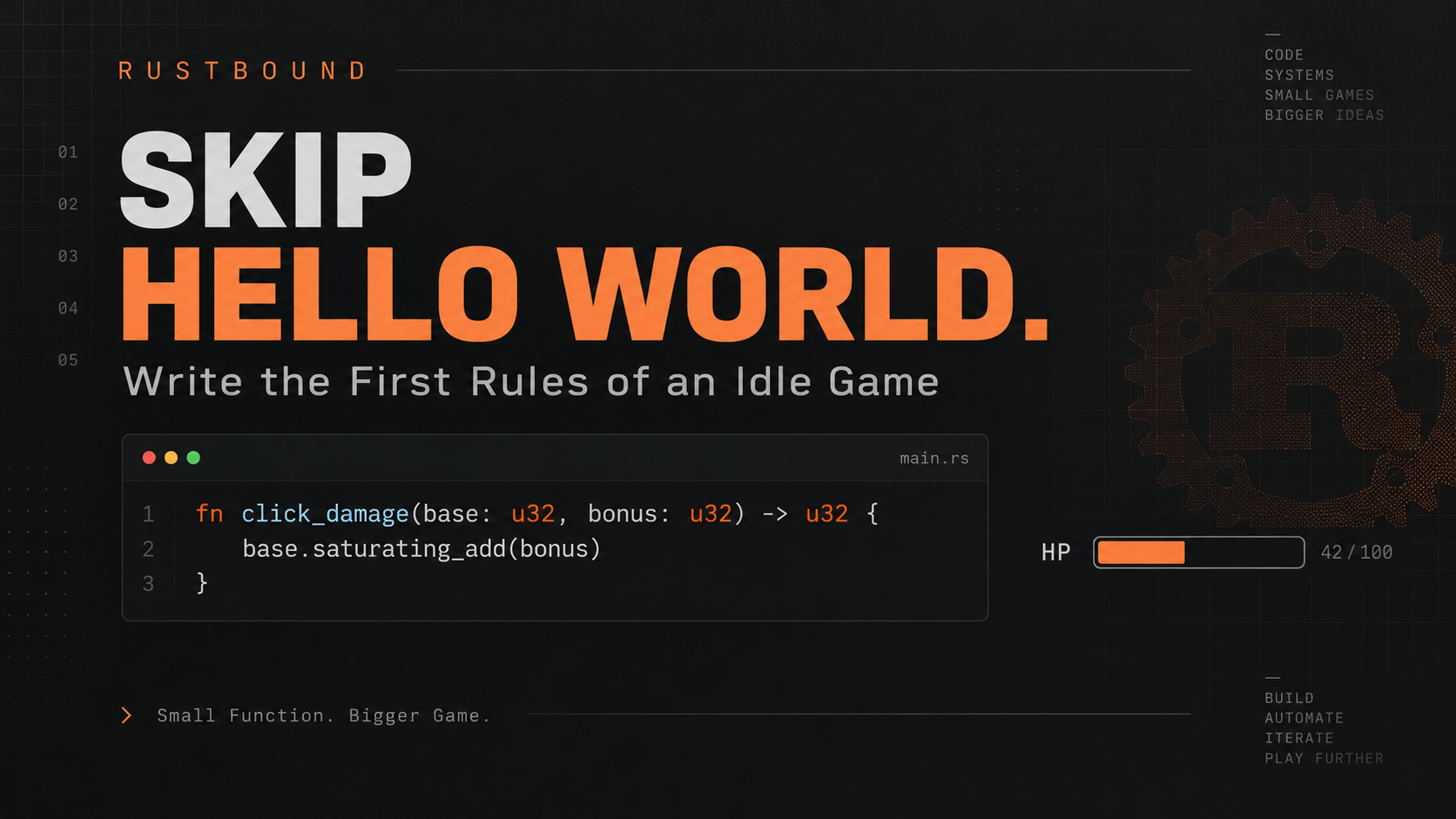
fn click_damage(base: u32, bonus: u32) -> u32 {
    base.saturating_add(bonus)
}
This is our first Rust function.
Breaking it apart into bits and pieces:
fn click_damage(base: u32, bonus: u32) -> u32
fn means we are defining a function.
The function name is:
click_damage
It takes two values:
base: u32
bonus: u32
u32 is the type of both values. A type tells Rust what kind of data a value represents and what operations make sense for it.
The colon connects the parameter name to its type, so:
base: u32
means that base is a value with a type of u32.
For now, think of u32 as a non-negative whole number. More specifically, it is an unsigned 32-bit integer.
So these are valid u32 values:
0
1
25
1000
But this is not:
-5
After the parameters, we have:
-> u32
This tells Rust that the function returns a value whose type is also u32.
Then:
{
    base.saturating_add(bonus)
}
is the value we return.
Rust lets the last expression in a function become its return value by leaving off the semicolon.
So:
fn click_damage(base: u32, bonus: u32) -> u32 {
    base.saturating_add(bonus)
}
means:
Take the player's base damage and bonus damage, add them together, and return the result.
Why not just use base + bonus?
We could. For most ordinary values, both versions give us the same answer. However, u32 has a maximum value.
saturating_add() gives our game explicit behavior at that boundary: damage stops at the largest value u32 can represent instead of leaving overflow behavior to the build configuration.
This is a game-design choice, not a rule that Rust programs should always use saturating arithmetic.
We are choosing it because damage is a quantity where hitting the numeric ceiling makes more sense than allowing overflow.
Call the function
Now we can give main() something to do:
fn click_damage(base: u32, bonus: u32) -> u32 {
    base.saturating_add(bonus)
}

fn main() {
    let damage = click_damage(5, 2);

    println!("You dealt {damage} damage!");
}
Run:
cargo run
You should see:
You dealt 7 damage!
Technically, we did not escape println!() after all.
But at least we are using it to deal some damage as promised.
Give the enemy some health
Damage is not useful if our enemies do not have a health pool.
Our second rule will calculate how much health remains after an attack:
fn health_after_hit(health: u32, damage: u32) -> u32 {
    health.saturating_sub(damage)
}
Notice how this looks a lot like our first function.
It takes:
health
damage
and returns the remaining health.
Again, we are using saturating arithmetic.
Why?
Imagine the enemy has:
3 health
and we deal:
10 damage
For our game, we want the result to be:
0
not:
-7
Health cannot drop below zero.
So:
health.saturating_sub(damage)
expresses this game rule clearly.
Try it:
fn main() {
    let damage = click_damage(5, 2);
    let remaining_health = health_after_hit(10, damage);

    println!("You dealt {damage} damage!");
    println!("Enemy health: {remaining_health}");
}
Run again:
cargo run
You should see:
You dealt 7 damage!
Enemy health: 3
Now we are starting to have something that resembles combat.
Barely. But it counts.
Is the enemy defeated?
Our third rule is even smaller:
fn is_defeated(health: u32) -> bool {
    health == 0
}
This introduces another Rust type:
bool
A boolean has two possible values:
true
false
Our function answers one question:
Has the enemy's health reached zero?
If we call:
is_defeated(0)
we get:
true
If we call:
is_defeated(10)
we get:
false
It is time to use it.
fn main() {
    let enemy_health = 5;

    let damage = click_damage(5, 2);
    let remaining_health =
        health_after_hit(enemy_health, damage);

    println!("You dealt {damage} damage!");
    println!("Enemy health: {remaining_health}");

    if is_defeated(remaining_health) {
        println!("Enemy defeated!");
    }
}
Run it:
cargo run
and now we get:
You dealt 7 damage!
Enemy health: 0
Enemy defeated!
Now we have combat rules!
Tiny ones. But real ones.
Why make these separate functions?
We could have written everything directly inside main():
fn main() {
    let health = 5;
    let base_damage = 5;
    let bonus_damage = 2;

    let damage = base_damage + bonus_damage;
    let remaining_health =
        health.saturating_sub(damage);

    if remaining_health == 0 {
        println!("Enemy defeated!");
    }
}
That works. Especially for a program this small, and it may even look easier.
But this game is not going to stay this small.
Eventually we will need to answer questions like:
- How much damage does the player deal?
- Did the enemy die?
- How much gold should the player receive?
- How much XP did they earn?
- Did they level up?
- How strong should the next enemy be?
- How much passive damage happened while the player was away?
If all of those rules live inside one giant function, the program gets harder to understand very quickly.
Instead, we are starting with small pieces that have clear jobs:
click_damage()
health_after_hit()
is_defeated()
Later, bigger functions will use these functions.
Then even bigger behavior will use those.
That is how we are going to build the entire game.
Not by writing one giant clever function.
By combining small, boring ones until the result is no longer boring.
Testing the rules
These functions have another useful property:
They are easy to test.
We give them input.
We check the output.
At the bottom of main.rs, add:
#[cfg(test)]
mod tests {
    use super::*;

    #[test]
    fn click_damage_adds_base_and_bonus() {
        assert_eq!(click_damage(3, 4), 7);
    }

    #[test]
    fn health_never_drops_below_zero() {
        assert_eq!(health_after_hit(3, 10), 0);
    }

    #[test]
    fn zero_health_is_defeated() {
        assert!(is_defeated(0));
        assert!(!is_defeated(1));
    }
}
Run:
cargo test
You should see three passing tests.
We are not going to turn this into a giant testing lesson yet.
For now, notice how easy it is to verify a small function with a clear input and output.
That will matter more as the game grows.
The complete program
At this point, src/main.rs should look like this:
fn click_damage(base: u32, bonus: u32) -> u32 {
    base.saturating_add(bonus)
}

fn health_after_hit(
    health: u32,
    damage: u32,
) -> u32 {
    health.saturating_sub(damage)
}

fn is_defeated(health: u32) -> bool {
    health == 0
}

fn main() {
    let enemy_health = 5;

    let damage = click_damage(5, 2);

    let remaining_health =
        health_after_hit(enemy_health, damage);

    println!("You dealt {damage} damage!");
    println!("Enemy health: {remaining_health}");

    if is_defeated(remaining_health) {
        println!("Enemy defeated!");
    }
}

#[cfg(test)]
mod tests {
    use super::*;

    #[test]
    fn click_damage_adds_base_and_bonus() {
        assert_eq!(click_damage(3, 4), 7);
    }

    #[test]
    fn health_never_drops_below_zero() {
        assert_eq!(health_after_hit(3, 10), 0);
    }

    #[test]
    fn zero_health_is_defeated() {
        assert!(is_defeated(0));
        assert!(!is_defeated(1));
    }
}
This is not much of a game yet.
And that is okay.
We now have something more useful than a big pile of code, and we have three rules that we understand.
What we learned
Along the way, we have already encountered:
fnfunction parameters
return types
u32boolletexpressions
iffunction calls
Cargo
basic Rust tests
You do not need to memorize all of that yet. More importantly, we can now describe combat with three small rules:
calculate damage
       ↓
reduce health
       ↓
check for defeat
That is our first little game system.
And we are keeping it.
Where we will take it next
Right now main() is doing everything — calculating damage, applying it, checking for defeat. Those three steps together represent a single larger idea: an attack.
Next, we will build that concept as its own function, using the three small functions we already wrote. That is where this project starts to show its real shape.
Eventually a click in the browser will travel through a Web Component, into WebAssembly, and down into Rust — all the way to:
fn click_damage(base: u32, bonus: u32) -> u32 {
    base.saturating_add(bonus)
}
Small function. Bigger game.
About the author
- Web developer building full-stack applications with JavaScript, React, Node.js, and modern web APIs.
Comments
Join the discussionNo comments yet. Be the first to comment.
Rustbound - Build Your First Rust App, One Function at a Time
Learn Rust by building a real idle game from small functions to a complete WebAssembly app with testing, persistence, Web Components, PWA support, and deployment.